Widgets
See what’s next when you unlock your phone.
You picked up your phone to check one thing. Put your next task or today’s habits on your home screen and you can see what you came for before another app catches your eye.
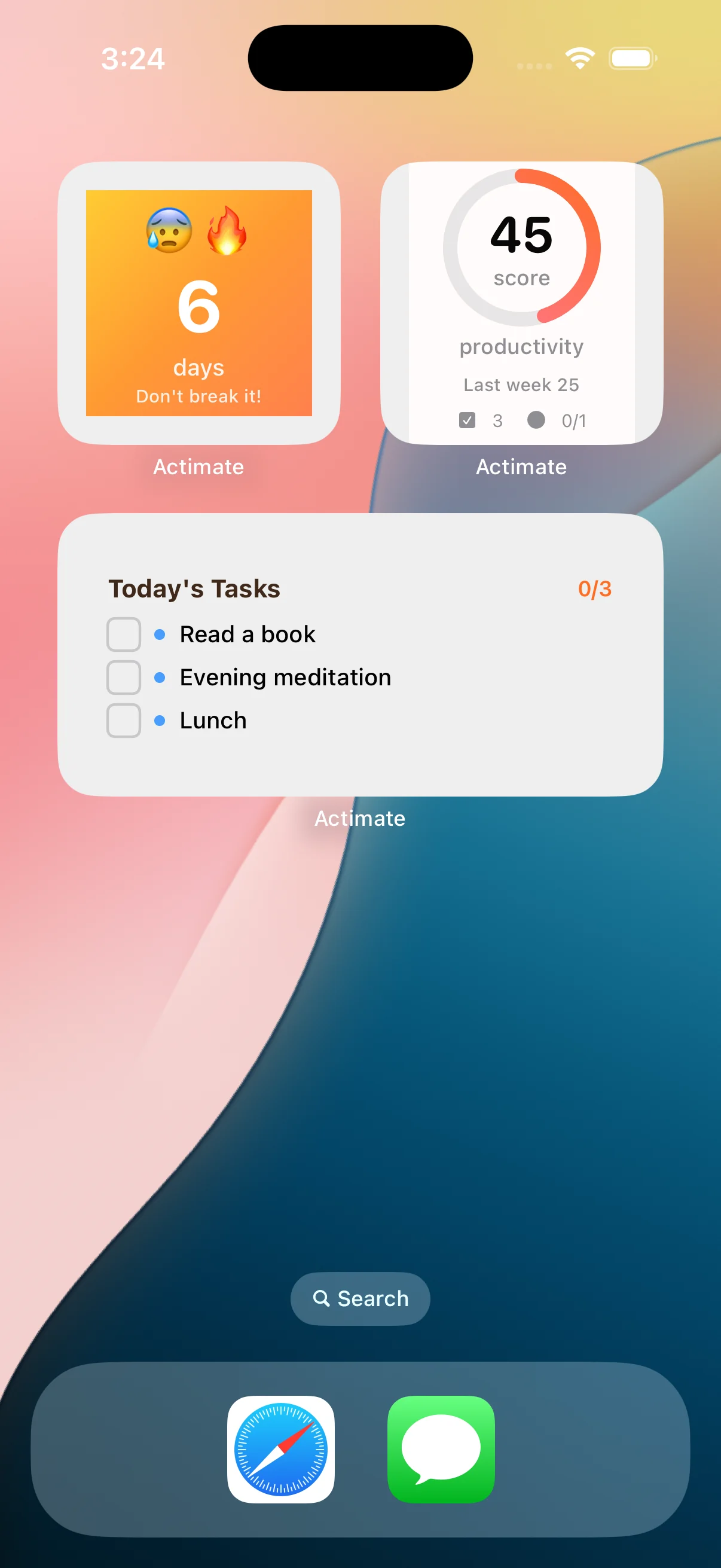
Add a widget on iPhone
Touch and hold an empty area of your Home Screen, tap Edit, then Add Widget. Search for Actimate, pick a widget and size, and tap Add Widget. Try Daily Tasks where you’ll see it in the morning, or a habit widget beside the app you usually open on a break.
Choose a view on Android
Touch and hold an empty area of your home screen, open Widgets and find Actimate. Choose Up Next for a scheduled task, Today’s Tasks for your list, Today’s Habits for a check-in, or Days Won This Week to see your progress. Place it where it’s easy to glance at.